Capture without retyping
Scan an event badge, a paper business card, or a QR code—or add a contact manually. Review the fields before anything is saved.
Built for real conversations
Scan the badge. Read the business card. Share your QR. Leadr+ keeps every connection organized and ready for follow-up before the details disappear.
iPhone-first capture with a separate desktop workspace
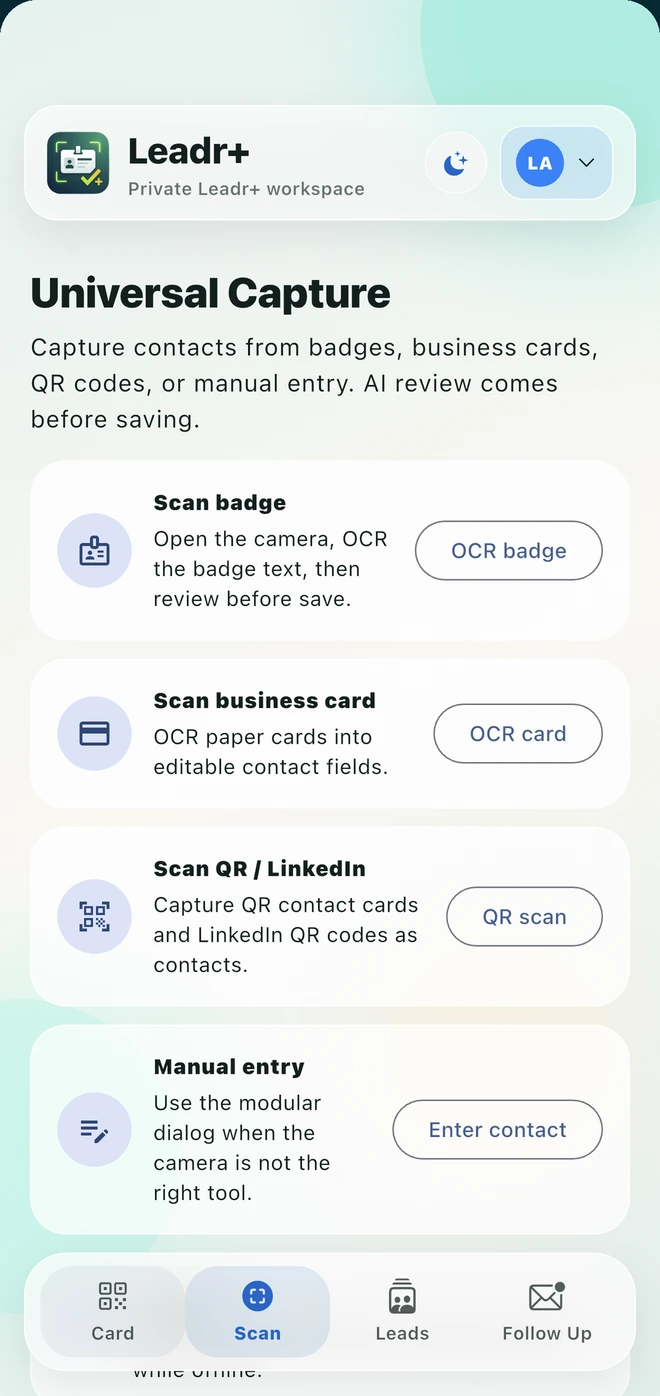
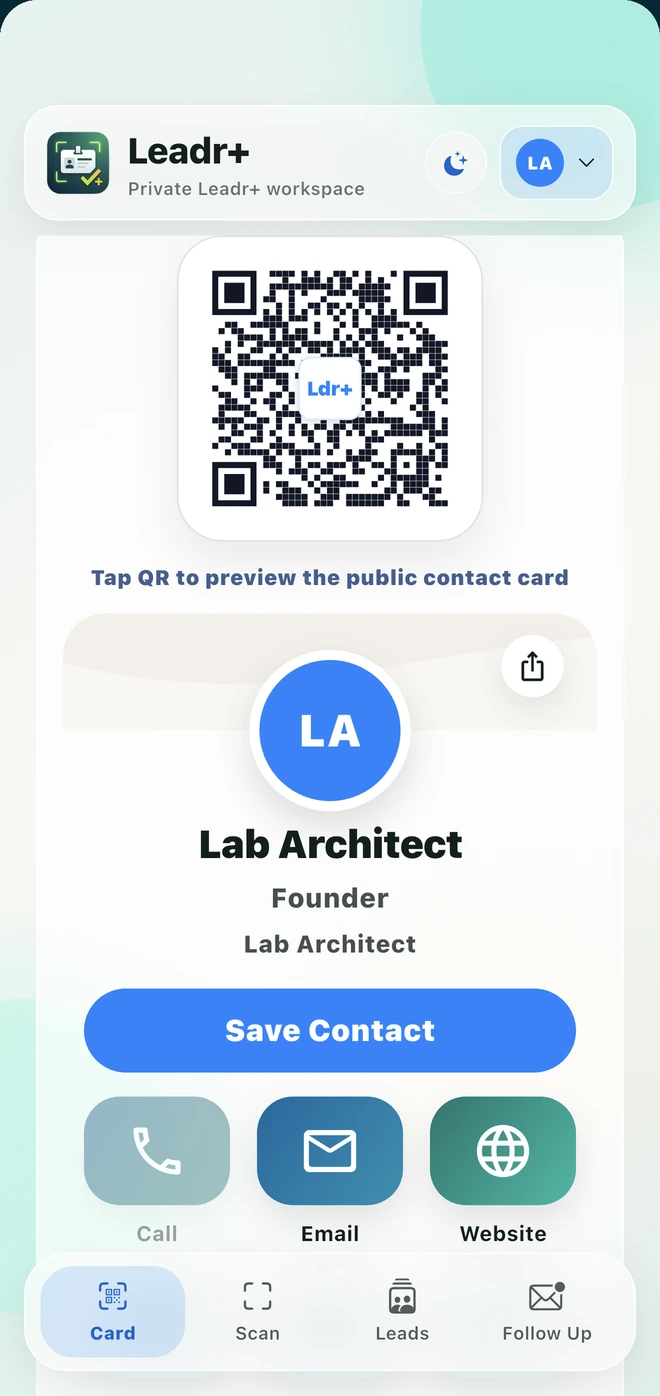
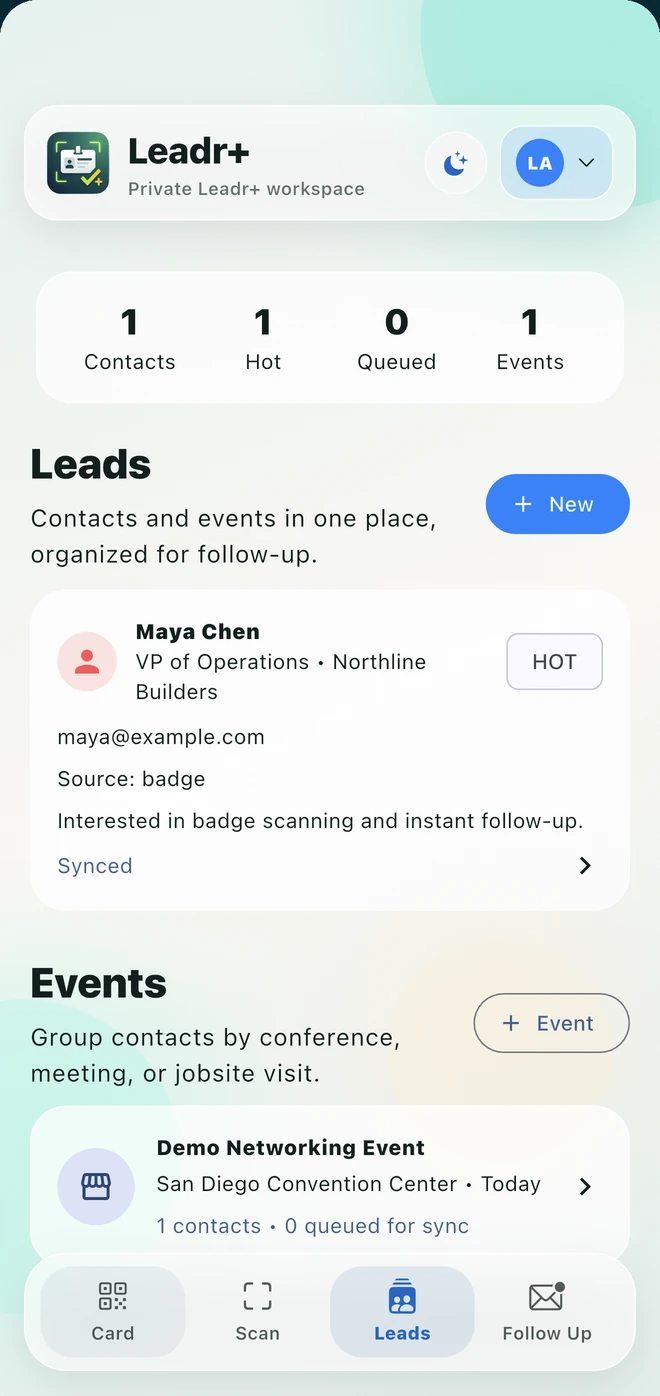
Scan it.
Keep the context.
Follow up while they remember you.
A contact is not a lead until it carries the conversation with it. Leadr+ joins capture, qualification, event organization, and follow-up in one deliberate workflow.
Watch Leadr+ in motion
A brief founder-narrated tour of badge and business-card capture, event organization, digital-card sharing, and professional follow-up using real current Leadr+ screens.
The Leadr+ workflow
Fast at the moment of capture. Structured when it is time to do the work.
Scan an event badge, a paper business card, or a QR code—or add a contact manually. Review the fields before anything is saved.
Group people by event, add notes, rate the opportunity, and keep the reason for the conversation beside the contact.
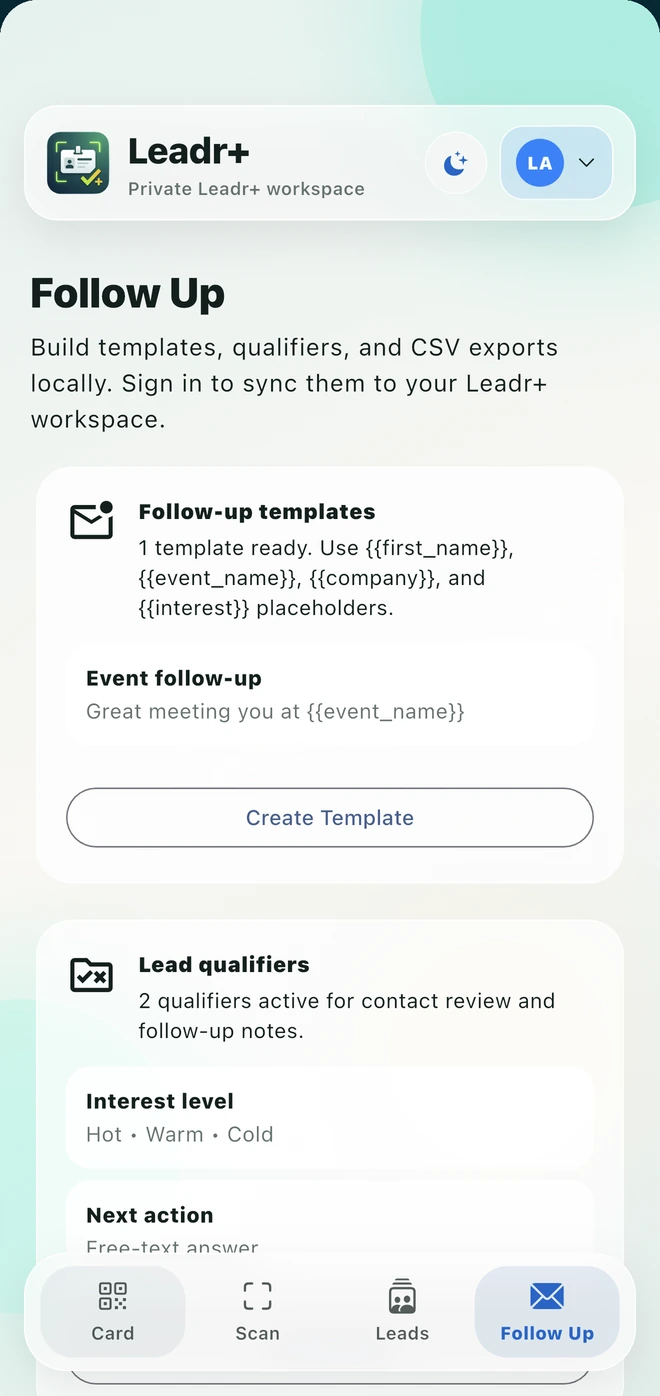
Build reusable templates, answer lead qualifiers, and prepare export-ready records from one private workspace.
The conversation is the source
Names and numbers are not enough. Leadr+ preserves event context, notes, ratings, qualifiers, and the next action so a useful conversation does not collapse into a blank contact row.
Your digital business card
Share a personal Leadr+ QR and let the other person save your contact details immediately. Your public card contains only the profile fields and action links you choose to publish.
Public by your choice
A clean domain for each job
leadrplus.com now explains the product. The signed-in desktop workspace lives separately at app.leadrplus.com, where customers can review synchronized contacts, events, and follow-up work.
Existing QR cards and mobile API routes keep their original leadrplus.com addresses. The split changes the front door—not the permanent links already in circulation.
Open the desktop workspace →Leadr+ Pro
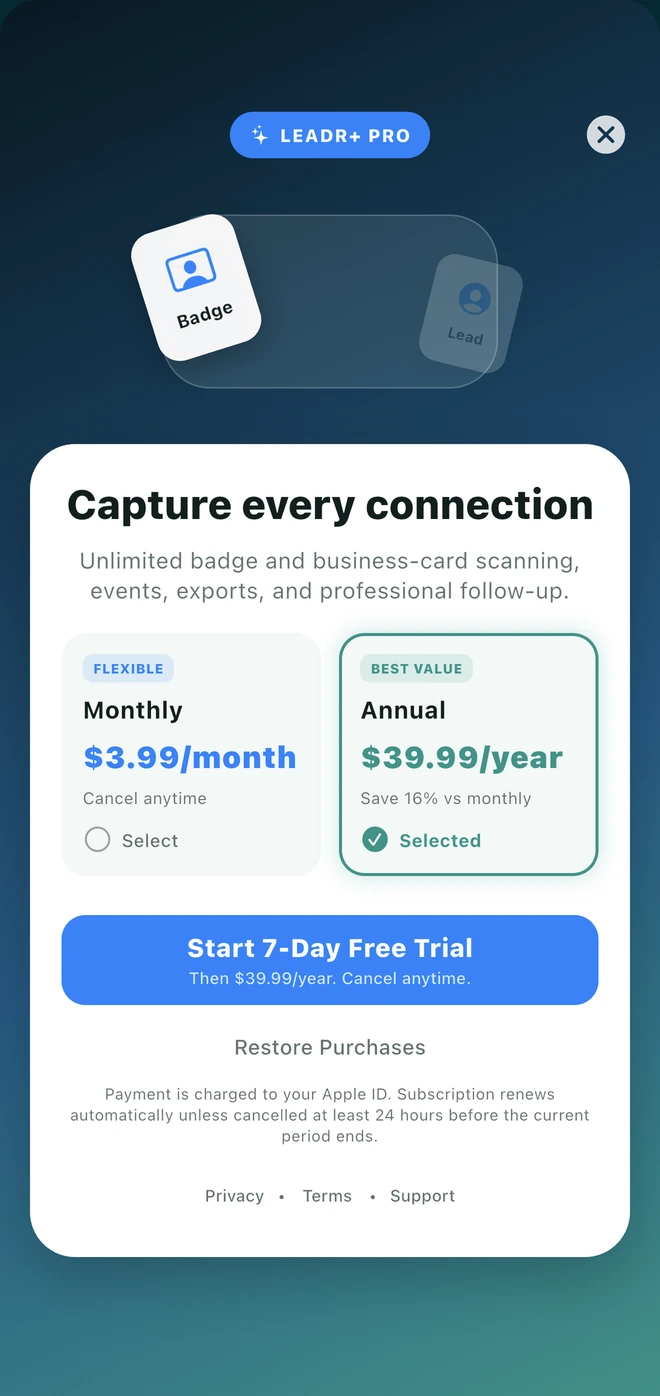
Both plans unlock the same Leadr+ Pro tools. Purchases and restoration are handled through Apple in the iPhone app.
Leadr+ Pro
Seven-day annual trial
Monthly plan: $3.99 / month
U.S. plan prices shown. Apple displays localized storefront pricing before purchase.
Questions
Leadr+ supports badge scanning, paper business-card OCR, QR and LinkedIn QR capture, and manual entry. Every scanned result is presented for review before saving.
Nothing breaks. Existing leadrplus.com/card links remain the permanent public address for Leadr+ cards, even though the signed-in desktop application now lives at app.leadrplus.com.
In the Leadr+ iPhone app, open Settings and create a Website Access password. Then sign in at app.leadrplus.com with the account email shown in Settings and that password.
Leadr+ Pro unlocks unlimited badge and business-card scanning, events, exports, and professional follow-up tools. Monthly and annual plans unlock the same feature set; the annual plan includes a seven-day trial.
No. Lab Architect does not sell personal information. Leadr+ has no advertising and does not use saved leads or public-card information for third-party behavioral advertising or cross-app tracking.
Leadr+
Scan. Share. Follow up.